Add Model Profiles to a Product
To begin, you must add one or more model profiles to your product. A model profile is a collection of configurations that an agent uses to invoke a Large Language Model (LLM).
By defining these profiles at the product level, you eliminate the need to manually configure LLM settings for every individual workflow. This centralized approach ensures standardized, consistent interactions across all agents and tasks within the product.
To add a Model Profile
-
Sign in to the Calibo Accelerate platform, navigate to Products and select a product.
-
On the product screen, click the ellipsis (...) and then click Model Profiles.
-
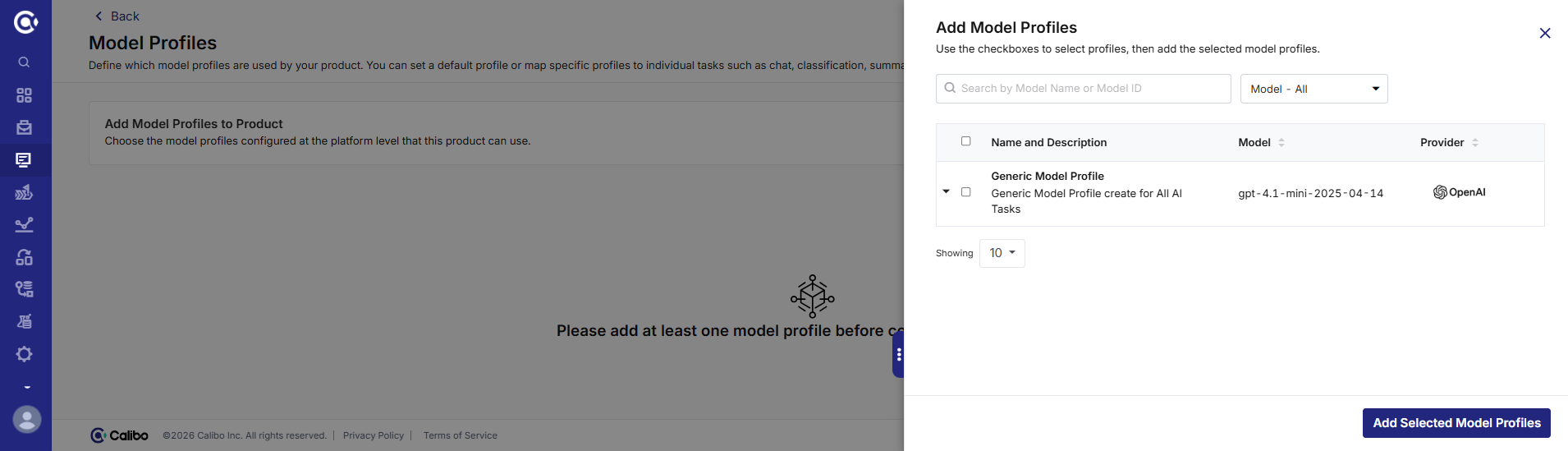
On the Model Profiles screen, click Add Model Profiles.
-
Select the model profile that you want to use for your use case and click Add Selected Model Profiles.
|
What's next? Create Model Profile |
 Recommended Topics